- Price
- Free · Plus $10/mo
- Status
- Active · “100M users” (company claim)
- Maker
- Notion Labs
- Facts checked
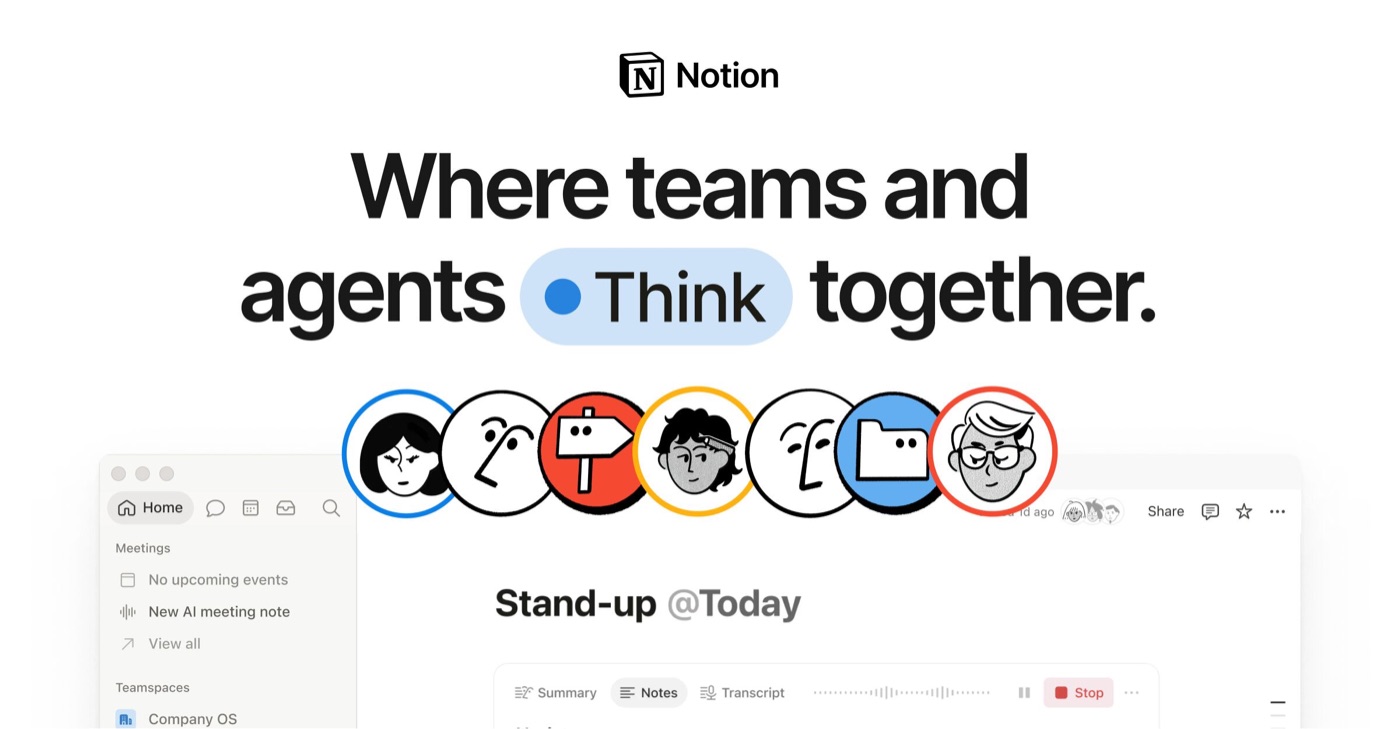
Image: Notion Labs — official share image, used for identification
Notion at a glance: 8.0/10 (Great). Docs, wikis, databases, a calendar and AI agents in one shared workspace. Price: Free · Plus $10/mo. Best for: Teams and individuals who want docs, wikis, databases, calendar and AI agents in one shared workspace. Biggest drawback: Content lives in Notion's proprietary database, so moving away is harder.
Verdict
Notion is the most capable shared workspace we cover: pages and databases, forms and sites, a calendar, and now agents that do work on their own. The price of that breadth is lock-in — your content lives in Notion’s database — and the full AI features sit behind the $20 Business plan.
Get it if
Your team wants one place for docs, wikis, projects and meeting notes, and real-time collaboration matters more than owning files.
Skip it if
You want plain files you control, solid offline use, or full AI on a personal budget.
Overview
Notion has grown from a flexible doc editor into what its own homepage now frames around teams and AI agents working together. The building blocks are still pages and databases — with subtasks, dependencies and custom properties — and on top of those sit forms, websites, charts and Notion Calendar, which is now included on every plan, including Free.
The 2026 pricing makes the AI split clear. Free and Plus ($10 per member per month, billed yearly) get only a trial of Notion AI. Notion Agent, AI Meeting Notes and Enterprise Search (beta) arrive at Business ($20 yearly / $24 monthly). Custom Agents that run tasks on their own are billed separately in credits.
Zapier’s current Obsidian-vs-Notion comparison praises the clean, guided interface and depth of templates, but notes the trade-offs: content lives in Notion’s proprietary database, text formatting control is limited, and offline use requires downloading pages ahead of time.
What it does
- Pages and databases (subtasks, dependencies, custom properties)
- Notion Agent and AI Meeting Notes (Business and Enterprise)
- Enterprise Search (beta) across connected apps (Business+)
- Forms and Sites (basic on Free, custom on Plus+), charts, collaborative blocks
- Notion Calendar included
- Custom Agents that run repetitive tasks on their own (billed in credits)
- Workers (beta): custom code to build agent tools and sync external data
From Notion Labs (official).
Plans & platforms
| Pricing model | Free + per-member subscription |
|---|---|
| Free plan | Yes — AI trial, 7-day page history |
| Cheapest paid | $10/member/mo yearly ($12 monthly) |
| Full AI | Business plan ($20/member/mo yearly) |
| Offline | Manual page downloads |
| Data format | Proprietary database; export available |
Pricing as listed by Notion Labs pricing page. Prices change; check before you buy.
The good
The bad
- Content lives in Notion's proprietary database, so moving away is harder Zapier
- Full Notion AI (Notion Agent, AI Meeting Notes) needs the Business plan; Free and Plus only get a trial Notion Labs (official)
- Limited control over text formatting, and the many menus and AI features can feel overwhelming. Offline use means downloading pages by hand Zapier
What reviewers say
Zapier rates Notion’s interface as clean and inviting, with a home screen that guides new users — but warns that content stored in its proprietary database is harder to move away from.
Score breakdown
Five criteria, each 0–10, weighted into the overall score (see weights).
Questions people ask
Is Notion worth it in 2026?
We rate Notion 8.0/10 (Great). Notion is the most capable shared workspace we cover: pages and databases, forms and sites, a calendar, and now agents that do work on their own. The price of that breadth is lock-in — your content lives in Notion’s database — and the full AI features sit behind the $20 Business plan.
How much does Notion cost?
Free: $0; Plus: $10 per member/month billed yearly; Business: $20 per member/month billed yearly; Enterprise: Custom pricing. Prices from Notion Labs’s official pricing page, checked Oct 31, 2026.
What platforms does Notion run on?
Web, macOS, Windows, iOS, Android.
What are the best alternatives to Notion?
Obsidian (8.5/10, Free · Sync $4/mo); Granola (8.2/10, Free · $14/user/mo).
Is there a Notion discount or coupon?
Free Notion Education Plan for students & educators. Up to 6 months of Notion Business + AI free for startups. 50% off Notion Business for nonprofits. Save up to 20% on Notion with yearly billing.
Sources
- Notion Pricing Plans notion.com · accessed Oct 31, 2026
- Notion homepage notion.com · accessed Oct 31, 2026
- Download Notion for desktop notion.com · accessed Oct 31, 2026
- App Store listing apps.apple.com · accessed Oct 31, 2026
- Google Play listing play.google.com · accessed Oct 31, 2026
- Obsidian vs. Notion: Which is best? (Zapier, updated Oct 2026) zapier.com · accessed Oct 31, 2026