AppsUpdated 3 reviewed

The best note-taking apps

Three different answers to “where do my notes live?”: a shared cloud workspace that does everything, plain files on your own disk, or an AI notepad that writes up your meetings for you.

Quick answer: the best is Obsidian (8.5/10, best for owning your notes); Granola (8.2/10, best AI meeting notes); Notion (8.0/10, best all-in-one team workspace).

AttributeObsidianGranolaNotion
Score8.58.28.0
FromFree · Sync $4/moFree · $14/user/moFree · Plus $10/mo
Best forWriters, researchers and privacy-minded note-takers who want local, linkable Markdown notes they own.People in back-to-back calls who want polished AI notes without a bot joining the meeting.Teams and individuals who want docs, wikis, databases, calendar and AI agents in one shared workspace.
Capability8.68.59.3
Ease of use6.69.17.6
Value9.68.07.8
Compatibility8.48.89.0
Openness9.86.25.4

Underlined values win their row.

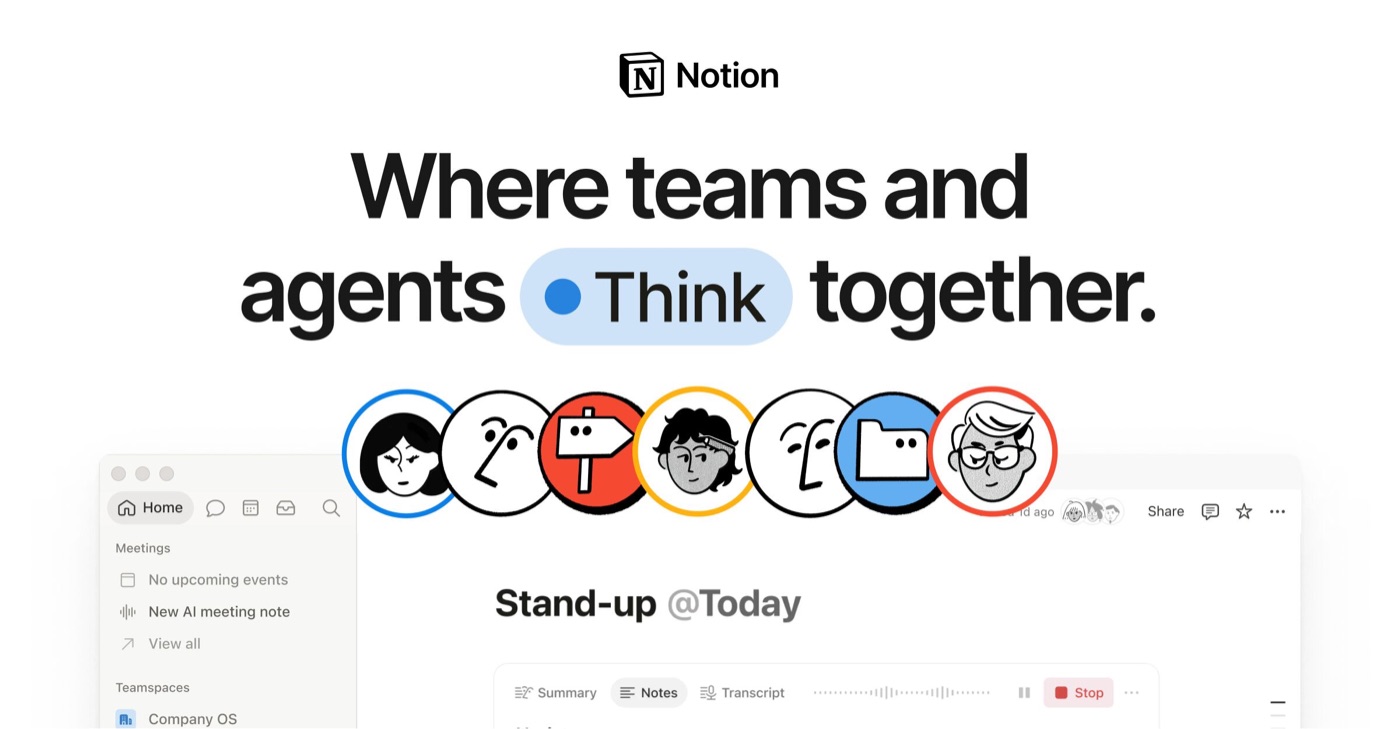
1Obsidian — product image

№002AppNote-taking apps

Best for owning your notes

Obsidian

Obsidian gives away the whole app, keeps your notes as plain Markdown files on your own device, and lets thousands of community plugins bend it to any workflow. It asks for patience in return: setup is confusing, there is no web app and no built-in AI, and collaboration needs paid Sync or third-party tools.

  • Plain-text Markdown files open in any editor, which lowers lock-in risk
  • Stores notes locally and works offline, so it is fast and private
  • Confusing onboarding (vault creation) and a steep learning curve
  • No built-in AI, and collaboration depends on third-party tools
Score 8.5 out of 10Free · Sync $4/moFull review
2Granola — product image

№008AppNote-taking apps

Best AI meeting notes

Granola

Granola quietly listens to your computer’s audio, then turns your rough typed notes into a polished write-up — no bot announces itself to the other side. It works with any call app and now runs on Windows and phones. Speaker labels are generic, and the free plan only keeps 30 days.

  • No bot joins the call; it records device audio, so it works with any video tool
  • Fills in your own notes from the transcript, and you can hover a point to see its transcript context
  • Speakers get generic labels (Speaker 1, Speaker 2)
  • No built-in transcript search, and no video recording or playback
Score 8.2 out of 10Free · $14/user/moFull review
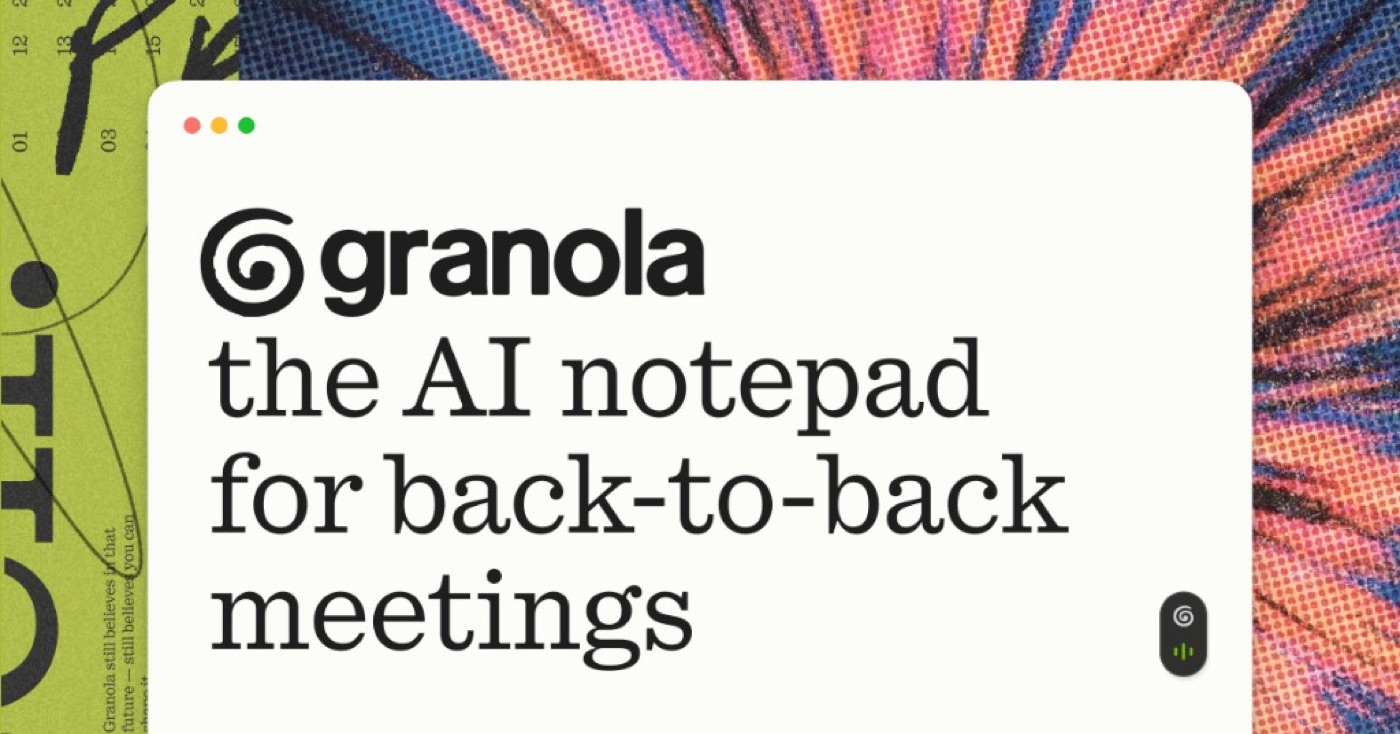
3Notion — product image

№001AppNote-taking apps

Best all-in-one team workspace

Notion

Notion is the most capable shared workspace we cover: pages and databases, forms and sites, a calendar, and now agents that do work on their own. The price of that breadth is lock-in — your content lives in Notion’s database — and the full AI features sit behind the $20 Business plan.

  • Clean, inviting interface; the home screen guides new users
  • Block-based editing with forms, charts, timelines and Gantt charts, plus many templates and integrations
  • Content lives in Notion's proprietary database, so moving away is harder
  • Full Notion AI (Notion Agent, AI Meeting Notes) needs the Business plan; Free and Plus only get a trial
Score 8.0 out of 10Free · Plus $10/moFull review

Compare them in detail

Note-taking apps: questions

What is the best note-taking app in 2026?

Obsidian scores highest in our ranking at 8.5/10. Obsidian gives away the whole app, keeps your notes as plain Markdown files on your own device, and lets thousands of community plugins bend it to any workflow. It asks for patience in return: setup is confusing, there is no web app and no built-in AI, and collaboration needs paid Sync or third-party tools.

What’s the cheapest option?

Obsidian: Free · Sync $4/mo.

Obsidian or Granola?

Obsidian (8.5) — get it if you write or research a lot, care about privacy and longevity, and enjoy shaping your own system. Granola (8.2) — get it if you’re in back-to-back video calls and want clean notes without asking everyone to admit a recording bot.

How did you rank these?

We compared current plans on each official pricing page, platform availability from official download pages, and the trade-offs independent reviewers keep raising — lock-in, offline use, collaboration and, for AI notes, how recordings are captured.

Read the methodology

↑↓ move · ↵ open · / or ⌘K from anywhere