- Price
- $129.99
- Released
- Jun 2023
- Maker
- Logitech
- Facts checked
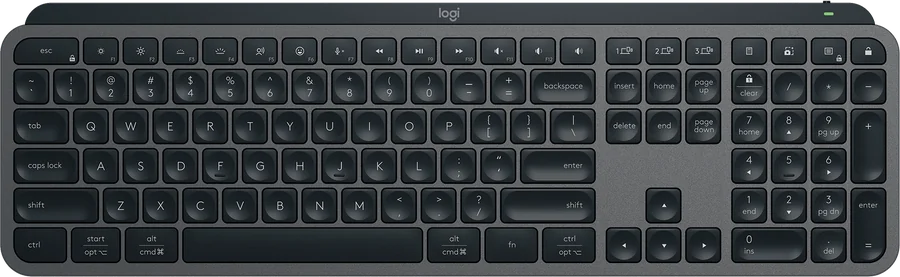
Image: Logitech — official product image, used for identification
Logitech MX Keys S at a glance: 8.3/10 (Great). A quiet, backlit office keyboard for up to three computers. Price: $129.99. Best for: Office workers who type all day and switch between up to three computers. Biggest drawback: Expensive for a membrane keyboard.
Verdict
MX Keys S is the comfortable, low-profile keyboard you can put on any desk and stop thinking about: smart backlighting, three-device switching and deep shortcut software. It’s pricey for a membrane board and barely changed from the original MX Keys.
Get it if
You type all day on more than one computer and want a quiet, full-size board.
Skip it if
You want mechanical switches, or you already own the original MX Keys.
Overview
Logitech’s spec sheet lists a full-size, 810 g board with hand-proximity and ambient-light sensors for the backlight, Easy-Switch for up to three devices over Bluetooth LE or a Logi Bolt receiver, and support for Windows, macOS, Linux, ChromeOS, iPadOS and Android.
Battery life is the big caveat: up to 10 days with backlighting on, up to 5 months with it off. It charges over USB-C.
Trusted Reviews calls it one of the best office keyboards thanks to comfortable typing, extensive software and sleek looks — but says it’s expensive for a membrane keyboard and may not be enough of an upgrade over the original MX Keys.
Key specs
- Height 5.18 in (131.63 mm); Width 16.94 in (430.2 mm); Depth 0.81 in (20.5 mm)
- 28.57 oz (810 g)
- Rechargeable Li-Po (1500 mAh); up to 10 days with predefined settings or up to 5 months with backlighting off
- USB-C rechargeable
- Bluetooth Low Energy or Logi Bolt USB Receiver; 33 ft (10 m) range
- Connect up to three devices (Easy-Switch)
From Logitech (official).
Full specs
| Dimensions | Height 5.18 in (131.63 mm); Width 16.94 in (430.2 mm); Depth 0.81 in (20.5 mm) |
|---|---|
| Weight | 28.57 oz (810 g) |
| Battery | Rechargeable Li-Po (1500 mAh); up to 10 days with predefined settings or up to 5 months with backlighting off |
| Charging | USB-C rechargeable |
| Connectivity | Bluetooth Low Energy or Logi Bolt USB Receiver; 33 ft (10 m) range |
| Multi-device | Connect up to three devices (Easy-Switch) |
| Backlighting | Hand proximity sensors and ambient light sensors adjust backlighting |
| OS | Windows 10/11+, macOS 10.15+, Linux, ChromeOS, iPadOS 14+, Android 8.0+ |
Specs as listed by Logitech (official) (regular price; $119.99 on sale at check time). Prices change; check before you buy.
The good
- Comfortable tactile typing experience Trusted Reviews
- Extensive software functionality (Options+, Smart Actions) Trusted Reviews
- Modern, sleek looks Trusted Reviews
The bad
- Expensive for a membrane keyboard Trusted Reviews
- May not be enough of an upgrade over the original MX Keys Trusted Reviews
- Backlight cuts battery life to about 10 days (up to 5 months with it off) Logitech (official)
What reviewers say
Trusted Reviews says the small changes over the last model add up to one of the best office keyboards, despite a high price for a membrane board.
Score breakdown
Five criteria, each 0–10, weighted into the overall score (see weights).
Questions people ask
Is Logitech MX Keys S worth it in 2026?
We rate Logitech MX Keys S 8.3/10 (Great). MX Keys S is the comfortable, low-profile keyboard you can put on any desk and stop thinking about: smart backlighting, three-device switching and deep shortcut software. It’s pricey for a membrane board and barely changed from the original MX Keys.
How much does Logitech MX Keys S cost?
$129.99 (regular price; $119.99 on sale at check time), checked Oct 31, 2026.
When was Logitech MX Keys S released?
Logitech MX Keys S was released in Jun 2023.
What are the best alternatives to Logitech MX Keys S?
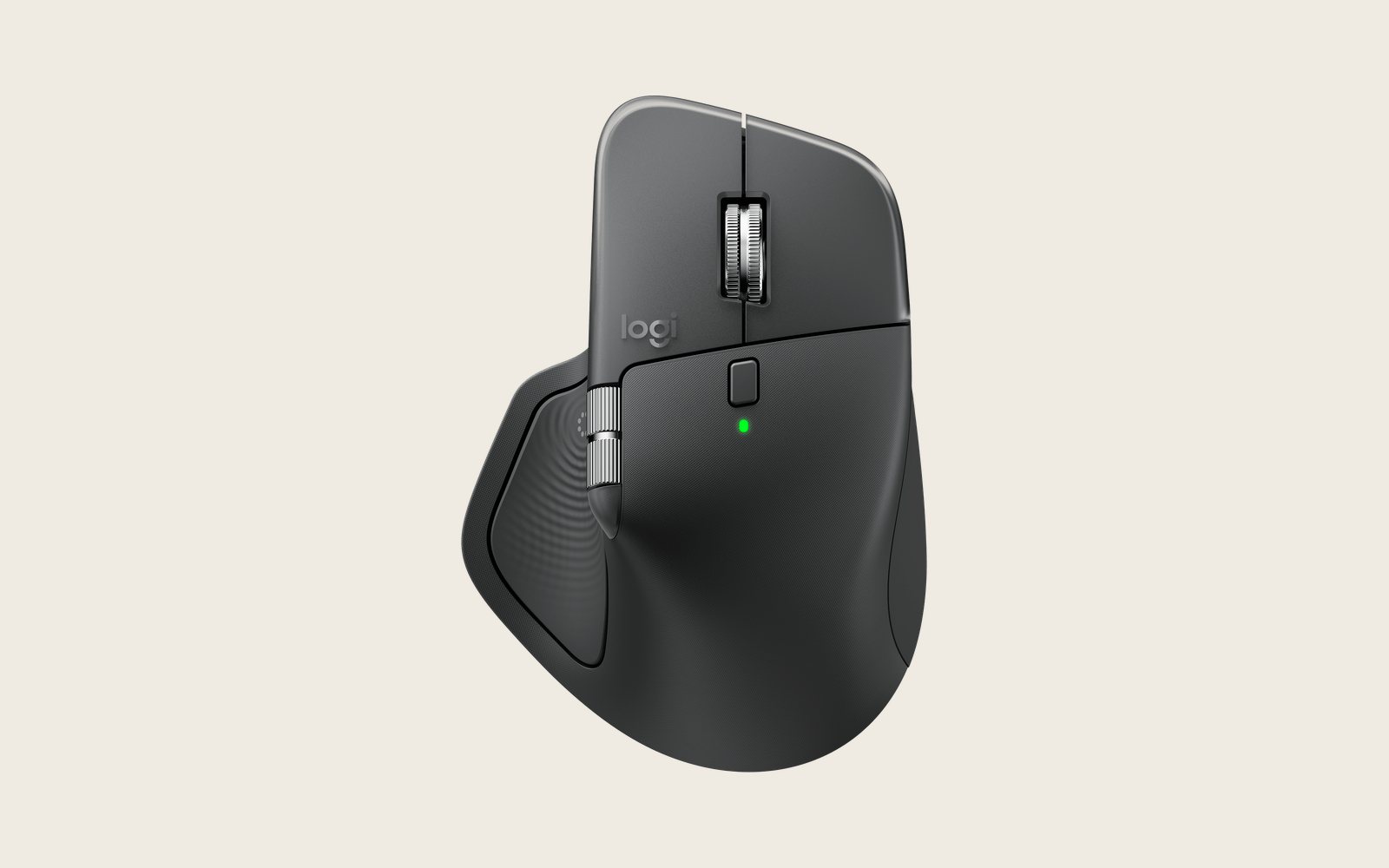
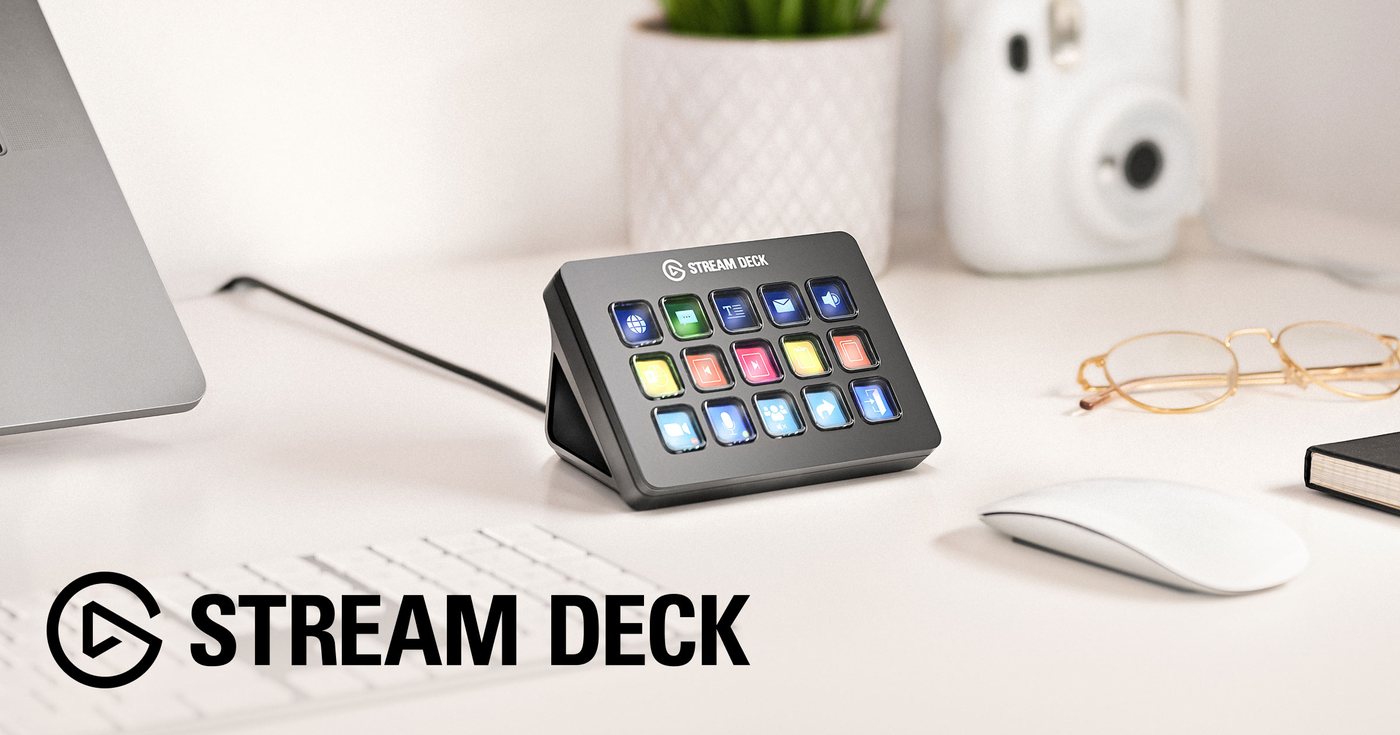
Logitech MX Master 4 (8.5/10, $119.99); Elgato Stream Deck MK.2 (8.0/10, $149.99).
Is there a Logitech MX Keys S discount or coupon?
Deal: Logitech MX Keys S $119.99 (was $129.99) at Logitech, ends Nov 1, 2026. 20% off at Logitech for students, educators & more (US). Up to 35% off Logitech for UK university students.
Sources
- Official page: logitech.com logitech.com · accessed Oct 30, 2026
- Review — Trusted Reviews, 13 Jun 2023 trustedreviews.com · accessed Oct 30, 2026
- Review — Tom's Guide, 25 Jul 2024 (4/5 per search summary) tomsguide.com · accessed Oct 30, 2026